donate
Every masjid stands on what its jamaah give
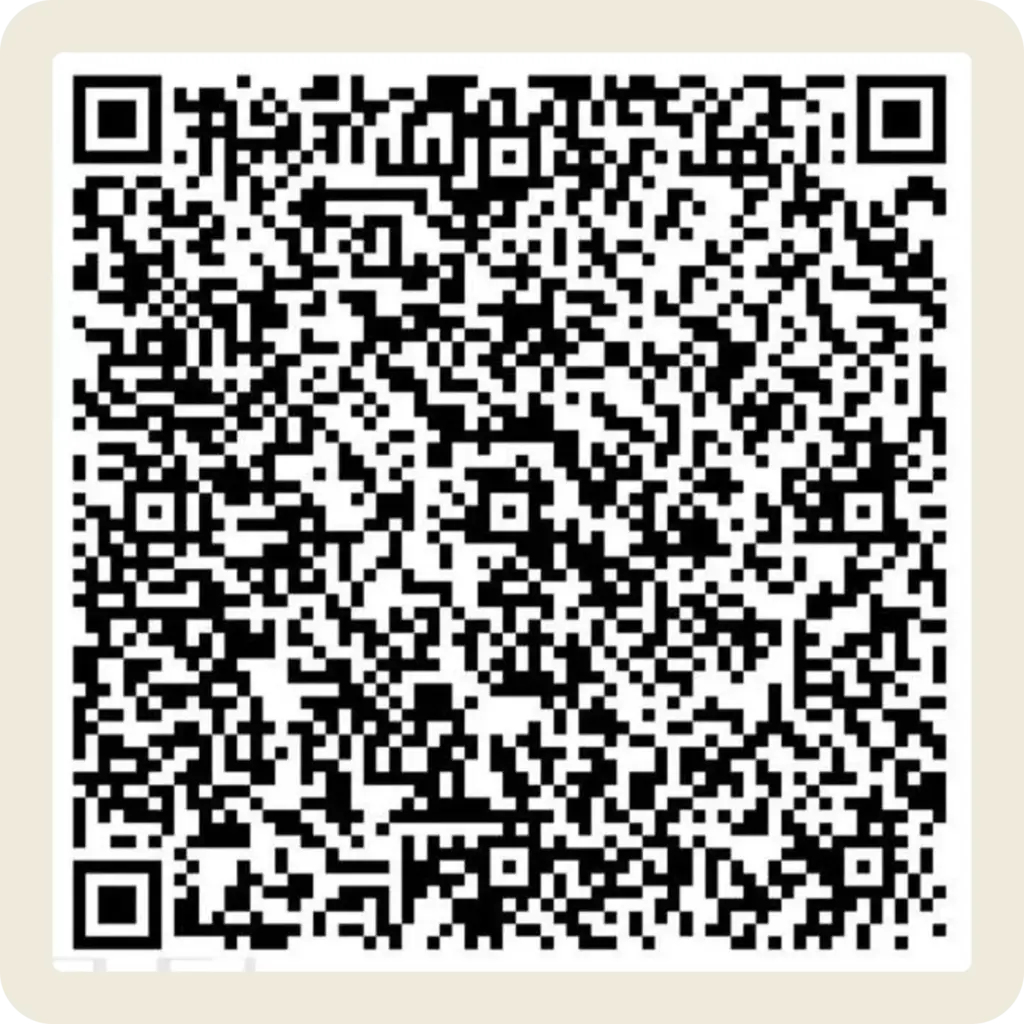
Infaq Operasional
Keep the lights on, the floors clean, and the doors open
- 1. Open your banking or e-wallet app
- 2. Scan the QR code on the right
- 3. Enter your amount and confirm
Wakaf
A gift that keeps giving, long after it's given
- 1. Open your banking or e-wallet app
- 2. Scan the QR code on the left
- 3. Enter your amount and confirm
Before you give
A few common questions
Is Zakat included in either QR code?
No – Infaq and Wakaf are separate from Zakat. If you’d like to give Zakat, message the committee on WhatsApp and they’ll guide you.
Can I get documentation for a Wakaf gift?
Yes. For larger Wakaf contributions that need formal documentation, reach out on WhatsApp and Bidang Sosial Ekonomi & Pemberdayaan Umat will assist.
What if my e-wallet doesn't support QRIS?
Use the “Ask about bank transfer” in the homepage – the committee will share direct account details.
Is there a minimum amount?
No. Every amount is accepted and appreciated, however small.